
Which pet photo makes the best Christmas ornament?
Start with the picture in which you can recognize your pet at the size of a postage stamp. A folded ear, the white dash above one eye or the grin that only appears when someone says “walk” will make a better ornament than a sharp picture of the whole yard. Here is a side-by-side comparison you can do with photos already on your phone.
Design my pet photo ornament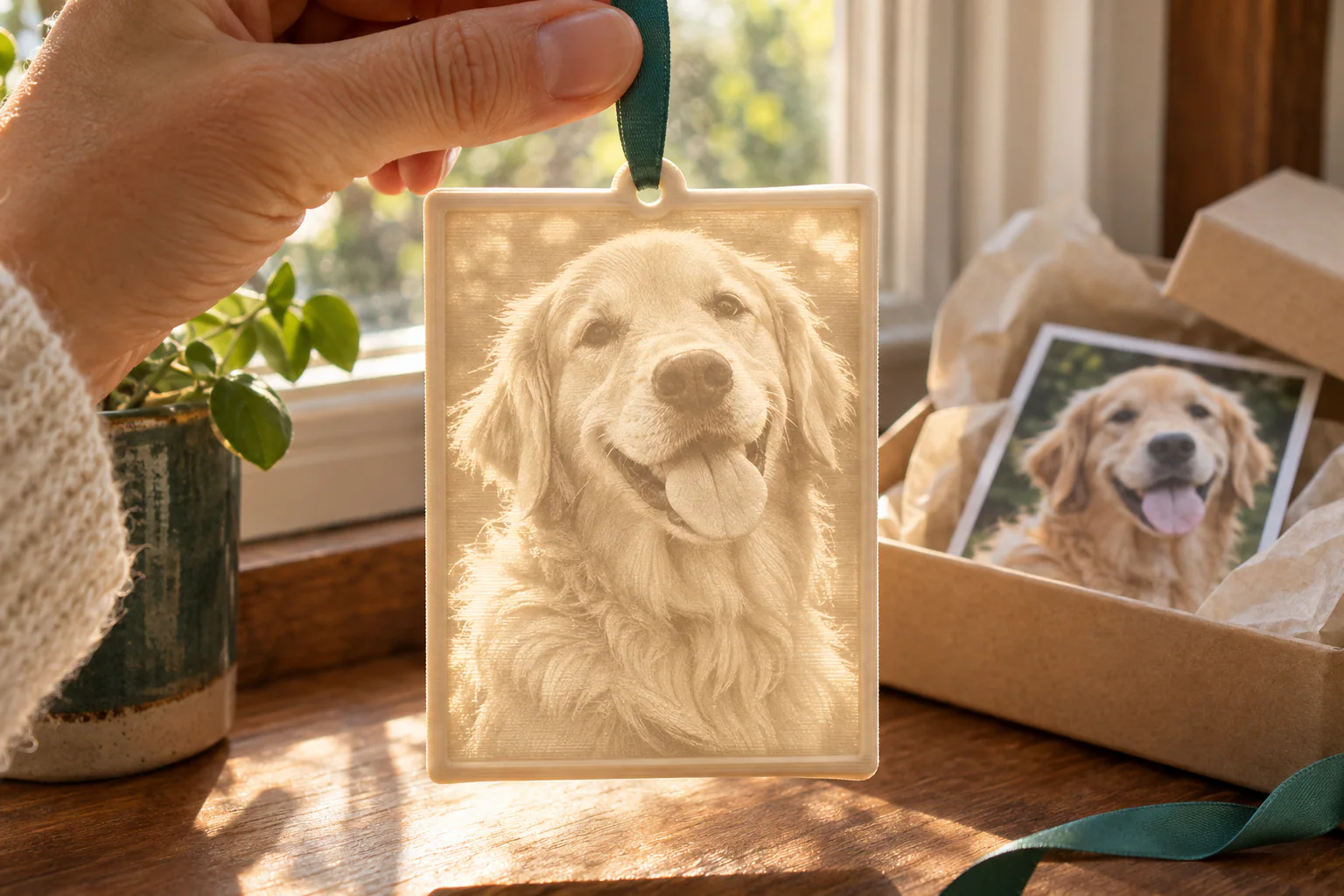
Black fur needs a little light on the face
Look for an edge between the muzzle and the chest. In a picture of a black dog on a dark sofa, those shapes can run together once the image becomes a relief. The same dog beside a window may have a small reflection in the near eye, a thin highlight on the nose and a visible curve along one cheek. Those are three distinct features the backlight can reveal. A busier background matters less if you can crop it entirely away.
If you can take another picture, move yourself down to eye level and let the dog face partly toward the window. Tap the nearer eye to focus. A familiar person's voice from beside the phone often gets a more natural expression than asking the dog to look up at a treat.
White fur needs a visible edge
A white cat asleep on a cream blanket can make a lovely portrait. Check whether you can follow the line from the forehead to the folded paw without guessing. A blank white patch on the forehead will stay a blank patch. Try the version taken a moment earlier in open shade, or use a chair with a midtone back behind the cat. Look for detail in the ears and around the eyes before worrying about individual whiskers.
Compare three candidates at the same width
Open a close-up, a backlit silhouette and an action shot one at a time. Keep the ornament width at 72 mm for all three and start with the same square frame. The close-up gets the first vote if you can identify the expression. Give the silhouette a second look if the ear outline is unmistakable. Pick the action shot if movement tells the story and the face still reads after cropping.
Cut a 72 mm square of paper and hold it where the ornament will hang. Move back to the spot where you usually see the tree. That viewing-distance check tells you more about the face size you want than zooming into a large screen.
Turn the favorite into an ornament
Choose portrait framing for upright ears or landscape for a long profile. Leave a sliver of space around the features that make the likeness yours. Toggle the virtual backlight and compare again. Once you like the crop, select “Have ForgeLab print it” to send that framing for studio review. A home printer can instead download the ornament STL with its relief, frame and hanging hole.
Questions & answers
Should I use a portrait-mode phone photo?
Use it if the original looks natural around whiskers, ear tips and curls. Portrait-mode blur sometimes cuts into the outline. Compare the regular-camera version at the same width before choosing.
What if my dog's eyes disappear in the preview?
Try an image captured with light coming from in front or one side. Moving the crop closer can enlarge a visible eye. It cannot recover an eye that disappeared into shadow in the source.
Can I put two pets on one ornament?
Yes, when their faces sit close together and at a similar distance from the camera. A landscape frame gives a pair room. Two separate ornaments give each pet more space if one was sitting far behind the other.
What size should I pick for a pet portrait?
The builder offers 55, 72 and 95 mm starting widths and a finer width control. Try 72 mm first. Compare sizes against a paper cutout and choose the one that reveals the markings you care about.
Does previewing a personal photo send it to the studio?
The image stays on your device while you compose the ornament. Sending the studio request is the step that shares the photo and selected settings.