
A knob that turns
Measure the shaft across its widest point. A flat side or a set screw changes the shape inside the knob. Include a photo straight into the opening.
See a dial sampleReForgeReplacement parts
A missing knob can put a whole cabinet out of use. Show us the part or the opening it belongs in. We’ll help you work out the fit and quote a replacement.
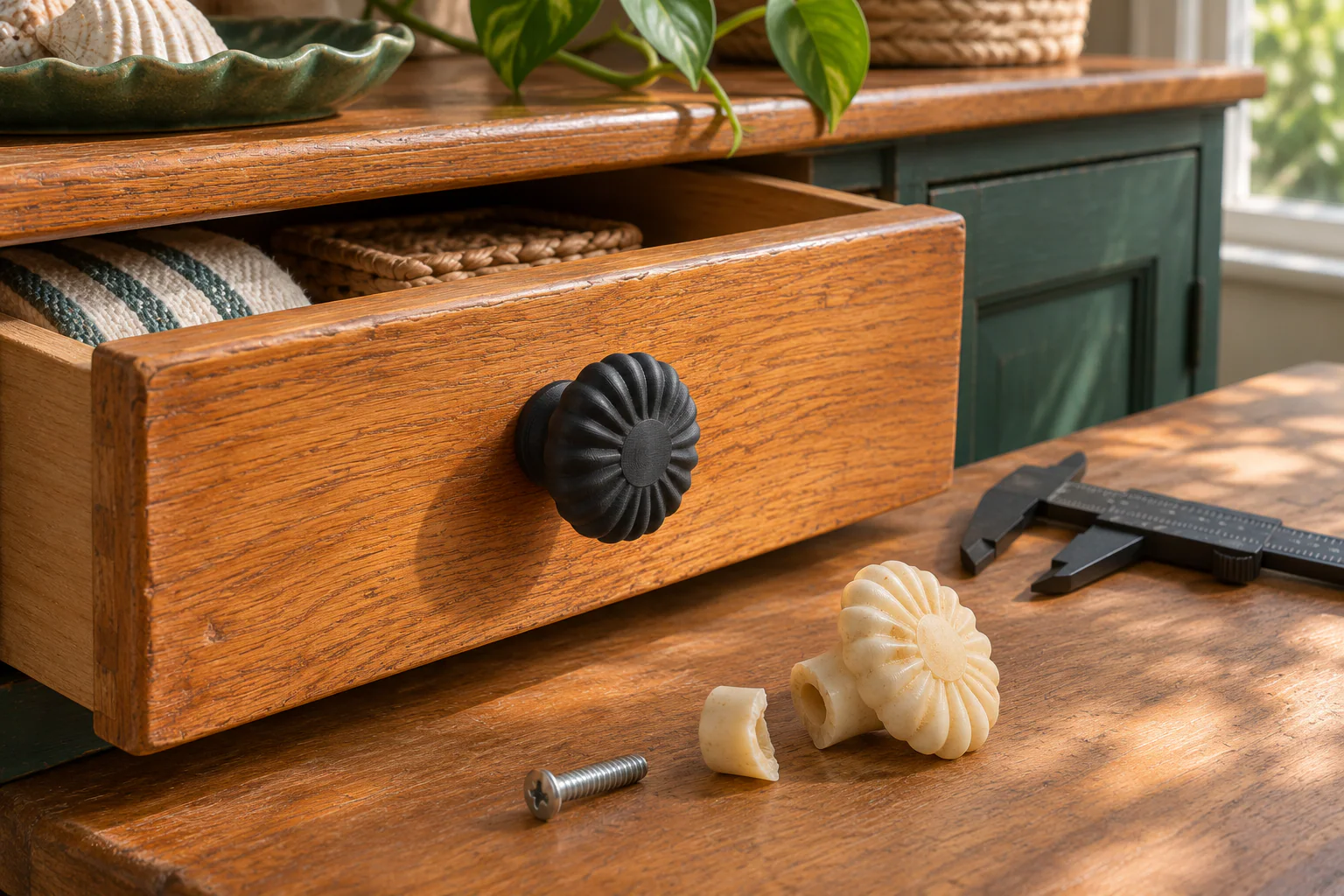
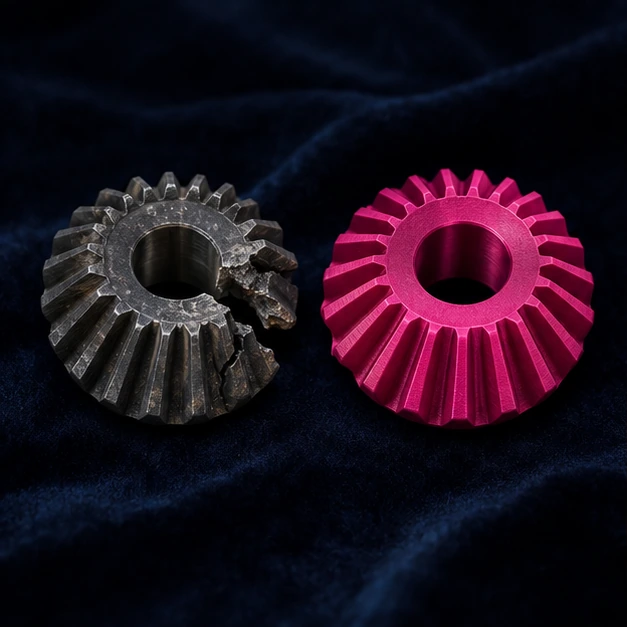
Show the full outline, the edge and the place where the part sits. Keep any broken pieces in view.
Show the full outline, the edge and the place where the part sits. Keep any broken pieces in view.
Use a bright, uncluttered spot. The front view gets you started. The other two views help Matthew see how it fits.
Measure the shaft across its widest point. A flat side or a set screw changes the shape inside the knob. Include a photo straight into the opening.
See a dial sampleLay the broken tabs beside the opening and photograph the side profile. If one tab survived, show that one too. It gives the studio a reference for the catch.
See the replacement guideAn STL or OBJ lets you compare materials and quantities immediately. Include a real measurement where the parts meet so the studio can check the scale.
Price my model