
How to size a DaVinci EQ stand when you have changed the glass
A custom DaVinci EQ stand needs two outlines: the base where the unit rests and the largest outline of the assembled device above it. Changing glass can leave the first almost unchanged while making the second wider, taller or off-center. The jar that used to sit neatly beside your EQ may now be directly underneath the glass.
Size my custom DaVinci EQ station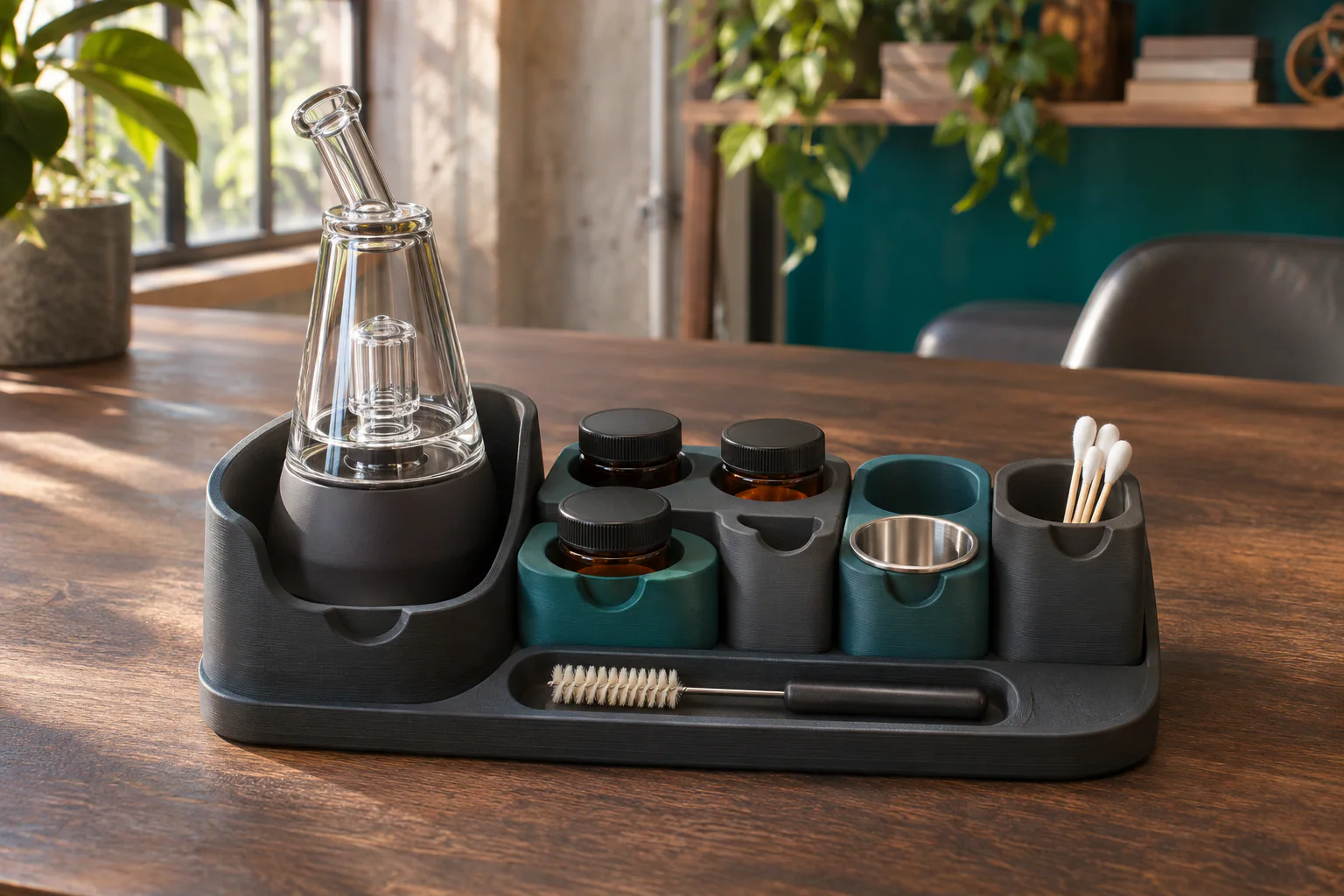
Make sense of the numbers on the product page
DaVinci publishes a size of 114 × 98 × 56 mm for the EQ in its comparison table. The row gives one set of dimensions without defining all three axes for your preferred storage position. It cannot describe an attachment added by the owner. Write down the model or edition, then set the cool unit on paper exactly as you intend to store it. Label the edge nearest you “front.” That one mark removes a surprising amount of ambiguity from a fit request.
Mark the glass where it overhangs the base
Stand a square-edged piece of card vertically beside the outermost point of the glass and mark the paper at its bottom edge. Repeat at the opposite side, front and back. Do the same around the body where it meets the surface. Keep the two outlines in different colors. Measure height separately from the tabletop to the tallest point. A side photo taken square to the device helps explain whether the projection sits down near the jar bodies or up near their lids.
For example, if the base edge is at 50 mm from your center mark and the glass edge is at 68 mm on the same side, there is 18 mm of overhang there. That difference belongs on the drawing even if the customer-facing width field accepts only one number.
Plan the lift beside the actual objects
Set empty, closed jars on their proposed outlines. Lift the powered-off unit in the direction you normally use and watch where your hand passes. Avoid making the glass the handle for the fit exercise. If the jar has to move each time, change the accessory side before enlarging the stand. If your EQ sits below a shelf, repeat using a paper silhouette first so the glass stays clear of the shelf lip.
Give the builder one configuration and document the alternatives
Select DaVinci EQ Electric Quartz in ForgeStation DabLab and enter the measurements of the assembled configuration you store most. Name the glass in your request and describe your second attachment separately if the stand needs to accept both. Enter the largest closed jar diameter as its own measurement. The 3D preview helps evaluate the arrangement; the two outlines and photographs let the studio review the actual support and clearances.
Questions & answers
Can I send only a photo of my DaVinci EQ and custom glass?
A photo helps identify orientation and shape. Include a known length or ruler on the same plane and give the measured width, depth and height. Perspective can make a tall curved piece appear narrower than it is.
How do I plan for two different glass attachments?
Make and label a pair of outlines for each stored assembly. One attachment may govern the width and the other the height. Mention whether only one is mounted at a time or whether you also want storage for the loose glass.
Can I make the stand narrower by rotating the EQ?
Possibly. Turn the assembly on your paper and measure again. A narrower setup can reach farther back toward a wall, and a previously clear jar can end up under a projection. Recheck both directions and the pick-up motion.
Do I add a safety margin to the dimensions before sending them?
Provide the actual dimensions of the assembled item first and state any desired extra room in your note. Accurate input helps the studio distinguish the necessary physical envelope from optional space for fingers and nearby accessories.