
Will a 14-inch M6 MacBook Pro fit a vertical stand with its case on?
A 14-inch M6 MacBook Pro can fit a properly sized vertical stand with a case attached. The number that decides the opening is the thickest part of the closed, cased laptop that passes between the supports. Apple lists the bare computer at 15.5 mm thick. A case lip, front clip or rubber foot can change the dimension that matters.
Size a vertical ForgeStation for my M6 MacBook Pro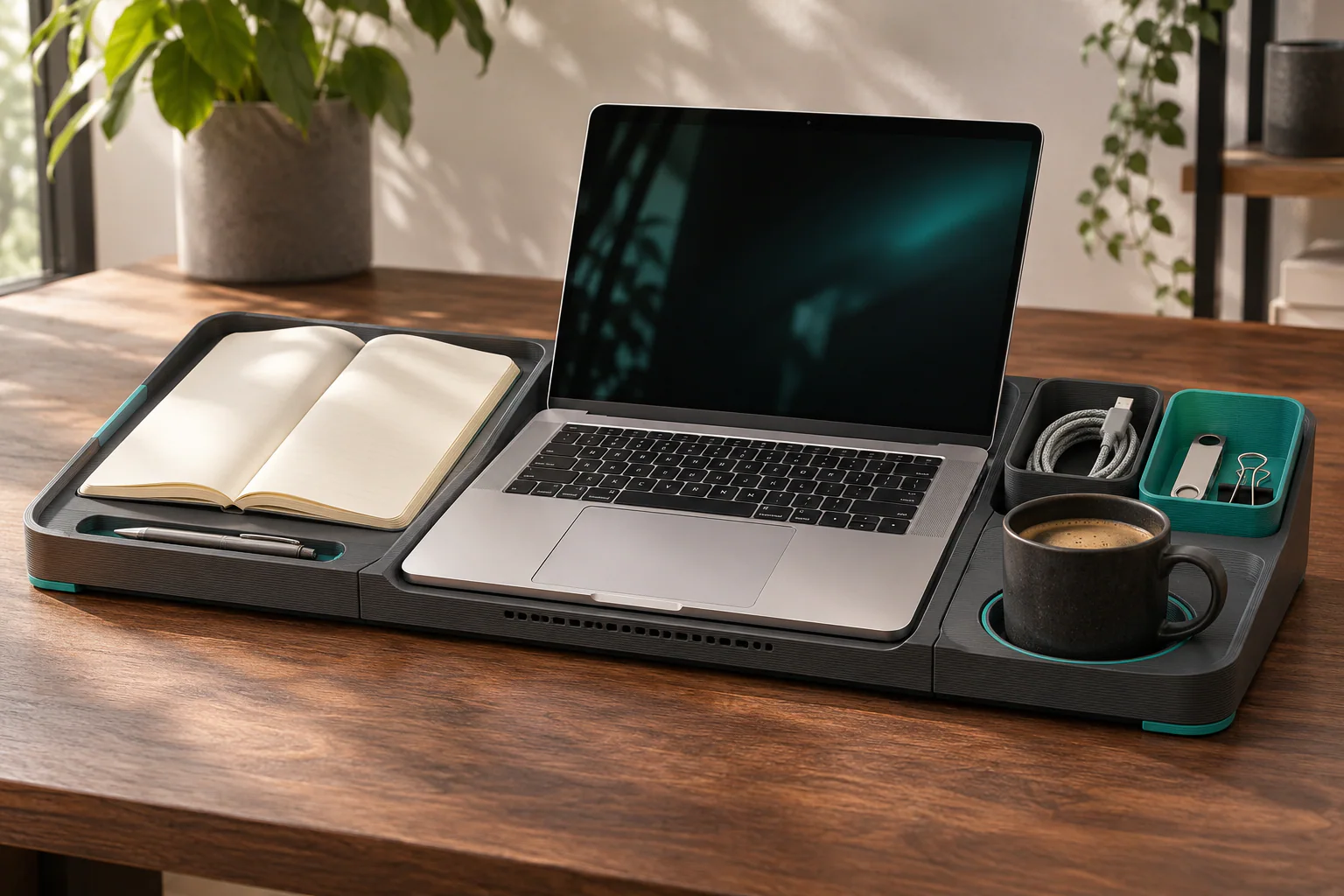
Start with the exact MacBook
Apple lists the 14-inch M6 MacBook Pro at 312.6 mm wide, 221.2 mm deep and 15.5 mm high when closed. That gives you a baseline for choosing the profile. The 14-inch label refers to the screen class, so it will never tell you the built-up thickness of your own shell.
Fit both pieces of the shell and close the lid as you normally would. Measure across the side that will enter the stand. Check the near end, the middle and the far end. Two parallel flat blocks placed gently on either side can help you read the outside distance without pressing metal measuring jaws against the finish.
Compare a bare body with two example cases
Imagine three readings from that check: a bare 15.5 mm body, 18.0 mm in a thin shell and 21.0 mm around the lip of a reinforced shell. These are illustrative case sizes. A stand with a fixed 19 mm opening leaves a nominal 1 mm in the second example and cannot accept the 21 mm lip. One millimeter on paper also says nothing about lining thickness, taper or how smoothly you can remove the laptop.
If a stand lists a supported range, find out whether that is its finished opening or the recommended device thickness. Those are different measurements. For a custom ForgeStation, enter the dimensions of your laptop with the shell fitted. The design process accounts for the opening separately, so adding a second homemade allowance to the device measurement would misdescribe your computer.
Think about the direction you lift and unplug
Face the connectors you reach most often toward the side you can actually see. Put your regular charging lead and display cable next to the proposed stand and check whether their molded ends have room to turn. Keep device vents clear and follow the laptop maker's guidance for operation.
Look above the stand, too. A shelf can clear a parked laptop and still prevent you from lifting it straight out. Try raising the closed computer above a folded-card mock-up while seated. If removal requires tilting toward your display or dragging a cable along an adjacent wall, move the station while the layout is still cheap to change.
Configure the stand around the case you keep on
In ForgeStation, choose the 14-inch M6 model, select the closed upright layout and expand “Fit my actual laptop.” Enter the measured exterior width, depth and closed height. Add a note about clips or a thicker lower edge and identify your usual cable exit. Start with the laptop-only preview, then add a writing wing or cup well if your clear desk area allows. The studio can review that exact configuration and price before you commit.
Questions & answers
Will a vertical stand sized for an earlier 14-inch MacBook Pro work?
Compare its finished slot with your complete cased device and check contact points and port access. A matching screen-size label or similar bare dimensions cannot account for a case or clips.
Should I enter Apple's 15.5 mm height or my case measurement?
Use the measured closed height with the case you intend to keep on. Leave the manufacturer baseline in place only if it describes how your laptop will actually sit in the station.
What if my case has rubber feet on only one side?
Measure the thickest outside section that will pass through or rest against the support. Include a photo or note indicating where the feet project so the studio can review their location.
Does a vertical stand include power or display connections?
ForgeStation is a physical support. Your MacBook, power cable, compatible external display and other electronics provide those functions. Confirm your existing closed-display setup independently before selecting a stand.