
Why did my STL arrive 25.4 times too small? A scale check before ordering
If the lid you designed to be three inches wide appears as 3 mm in a print preview, the first suspect is the coordinate unit. The numerical width survived the export; its physical meaning changed. One inch equals exactly 25.4 mm. Three inches should therefore appear as 76.2 mm. Verify that simple relationship before trusting the price or changing the CAD design.
Check the scale of my STL in ForgeCloud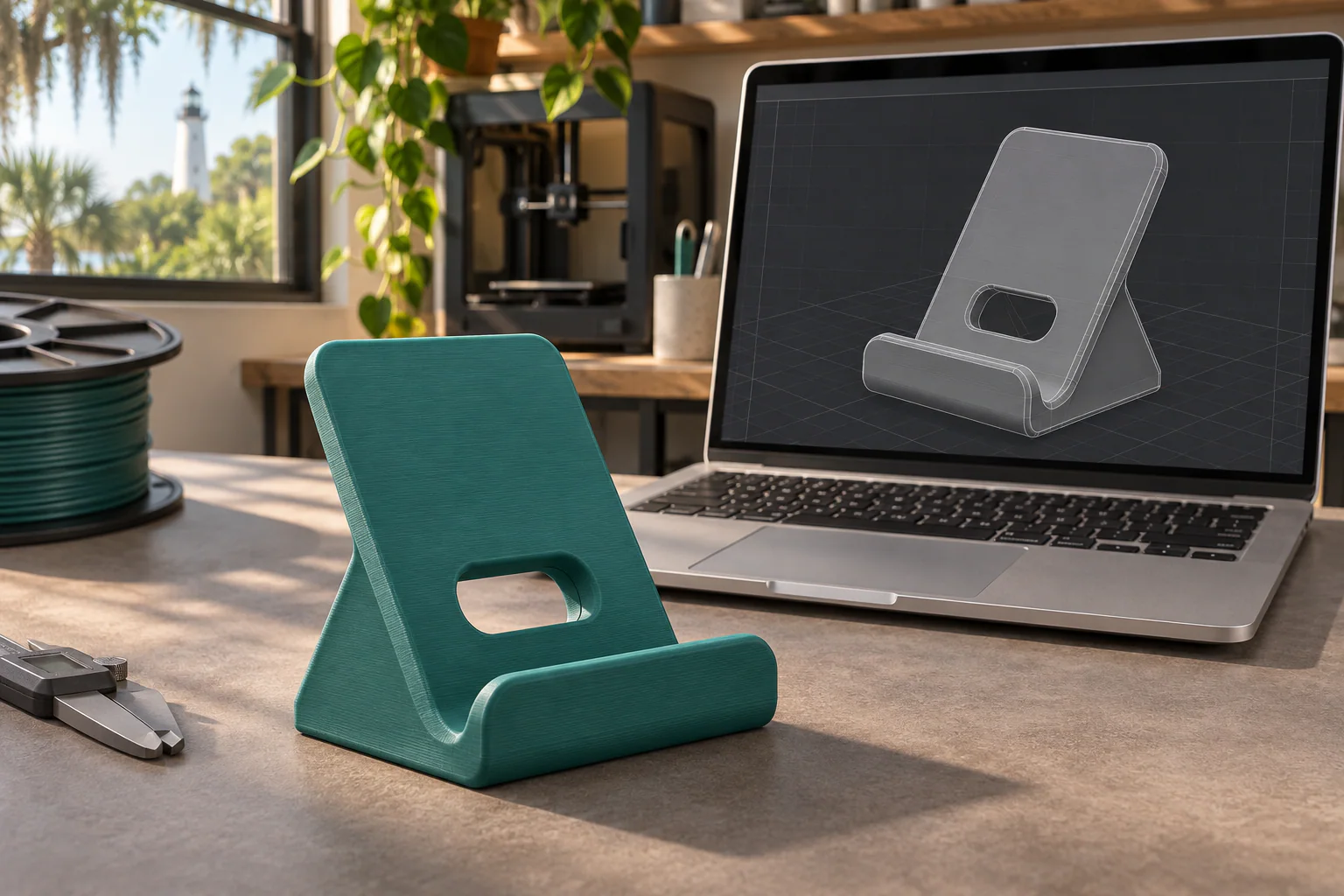
| Preview dimensions | Interpretation |
|---|---|
| 76.2 × 50.8 mm | Both dimensions match the intended full size |
| 3 × 2 mm | Both axes are 25.4 times too small; check inch-to-millimeter interpretation |
| 76.2 × 48 mm | Only the second axis differs; compare the revision and measurement points before scaling |
Use two known lengths to recognize the pattern
Choose two distances that are easy to identify, ideally in different directions. Suppose a model is supposed to be 3 inches long and 2 inches wide. At full size the preview should show 76.2 × 50.8 mm for those axes. If you see 3 × 2 mm, both ratios are 25.4. That is the signature of inch-valued coordinates interpreted as millimeters.
Now consider a preview showing 76.2 × 48 mm instead. The length already matches, while the width differs by only 2.8 mm. Multiplying the entire model by 25.4 would create a very large new problem. Check the revision, orientation and measurement points first. Bounding-box dimensions are the total extents; a screw-to-screw distance is a different feature.
Correct the interpretation once
In ForgeCloud, upload your STL and look under the displayed dimensions for Model coordinate units. If the file contains inch values, select Inches. The preview displays the resulting physical size in millimeters. Alternatively, re-export your original CAD design with millimeter coordinates and keep the browser set to Millimeters. Pick one correction and repeat both known dimensions.
Changing your CAD application's display units is not always the same as changing export coordinates. Label your exported file with a version and unit hint, then reopen it as a check. Keep the original design intact so the next person can trace the decision if the model returns for a revision.
Check the size a camera view can hide
A viewer often fits every model to the screen. Four millimeters and four inches can occupy exactly the same number of pixels after zooming. Read the numerical bounds and compare one physical interface: the gap for a phone, a mounting span, or the width of a drawer opening. If possible, compare it with the real object at your desk.
Rotating a part can exchange the displayed width, depth and height. For a flat rectangle, look for the set of three values before assuming the long and short axes are wrong. For angled geometry, recheck in the original design orientation because a rotated bounding box can grow even at exactly the same scale.
Recalculate the quote after correcting dimensions
A linear conversion affects a whole volume in three directions. The wrong interpretation can produce a conspicuously cheap estimate or a part that looks too big to make. Save the corrected brief with the two reference dimensions and what they measure. That gives the studio an explicit check before fabrication. Upload your model to ForgeCloud if you want to verify scale and compare material choices in the same pass.
Questions & answers
Should I enter 25.4% in a CAD scale field?
A 25.4-times enlargement is 2,540%, while 25.4% would shrink the object. First try the coordinate-unit selector. Only use a CAD scale operation when you understand what the field expects.
What if the part looks exactly ten times too small?
Look for a centimeter-to-millimeter mix-up, or a scale applied during export. ForgeCloud offers inch and millimeter coordinate settings. Re-export in millimeters if the original mesh uses centimeters.
Does the file name tell ForgeCloud the units?
Treat the name as a human note. The reliable check is to select the coordinate units that produced the mesh and compare the resulting size with a drawing or known physical feature.
Can the total estimate tell me whether scale is correct?
Use dimensions to verify scale. Price also reflects material, surface area, finish and setup, so a believable dollar amount can still accompany the wrong-sized geometry.