
Open laptop stand or vertical dock? Two layouts on the same 36-inch desk
Choose an open stand if you rely on the laptop display, webcam or keyboard. Choose a closed vertical stand if another screen and input devices already do those jobs and you need room in front of the laptop. On a 36-inch desk, standing a MacBook upright can save substantial depth while recovering very little width.
Compare open and upright MacBook stations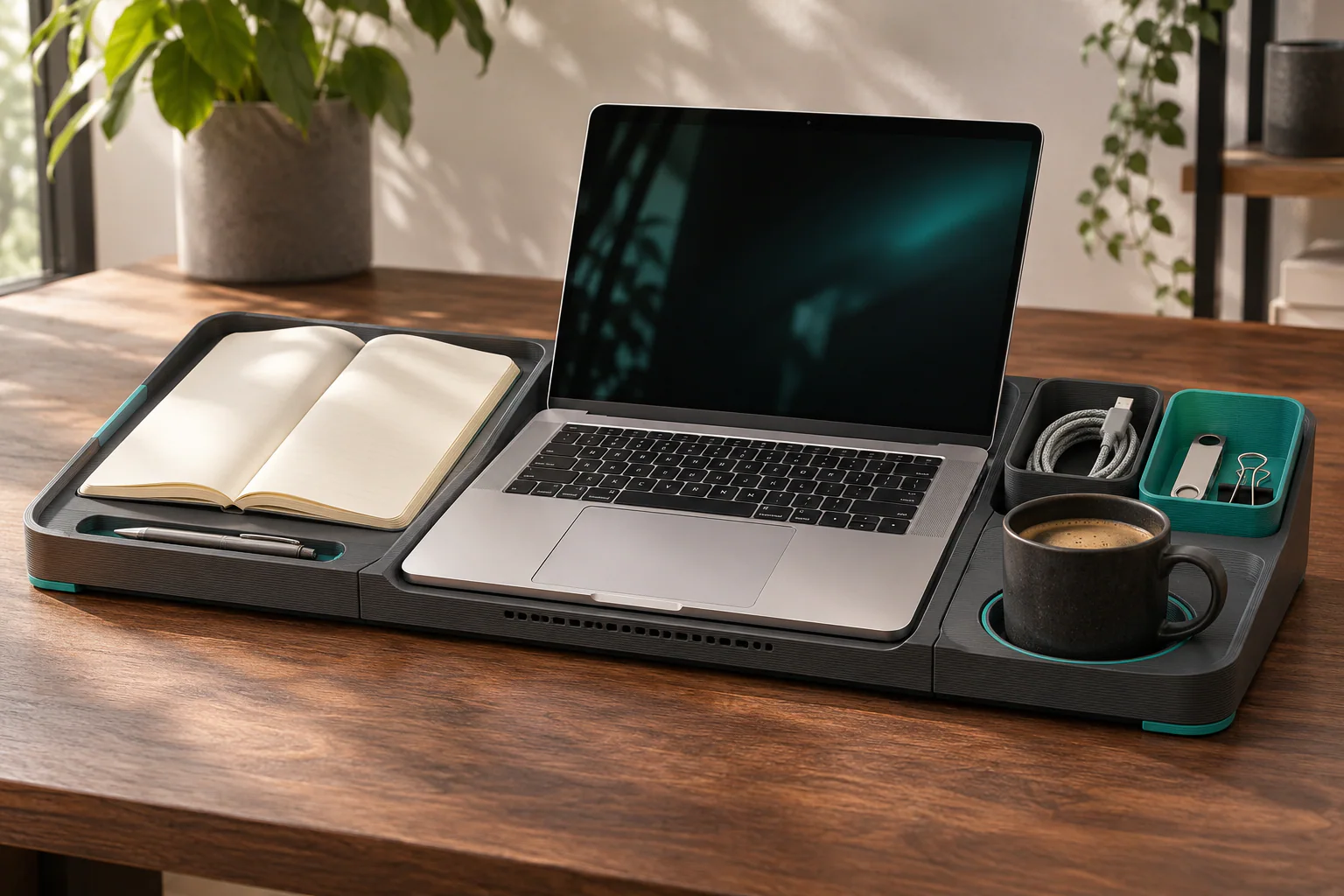
Measure the working rectangle
A 36-inch desktop measures 914.4 mm across. Mark any part already occupied by a display foot, speaker or lamp before comparing stations. Depth deserves the same treatment. A monitor arm can free surface for a keyboard while still occupying the only suitable back-edge position for another clamp.
Put the laptop where you want to sit and check your normal eye line. If you read from the built-in screen or attend meetings on its camera, mark that position as an open-screen setup. If you do most work on an external display, verify your Mac operates as intended with the lid closed and your usual display, power, keyboard and mouse connected.
Compare the laptop-only bases
Using a bare 13-inch M5 MacBook Air with no cup, writing wing or extra cells, the ForgeStation planner calculates a 326.1 × 231 mm base in open mode. With the same laptop upright it gives 326.1 × 80 mm. Width is identical; the upright configuration uses 151 mm less depth for that component. Those figures describe the base. Consider the open display, plugs and lift-out path separately.
Lay out both rectangles with paper. For the upright version, place your actual external keyboard and mouse in front of the narrower base. They may consume much of the newly available surface, but they can move between activities. For the open version, make sure you can reach the trackpad or position a separate keyboard if that is how you type.
Add the same notebook to both options
Keep the 13-inch M5 Air, add an open A5 notebook and an 80 mm cup, and leave ForgeGrid extensions off. In that configuration the planner gives 755.1 × 231 mm for the open design and 755.1 × 230 mm for the upright version. The notebook wing sets nearly all the depth, so turning the computer upright recovers only 1 mm of overall base depth.
That small difference can reverse a buying decision. A writer who needs an open book all day may gain more by changing to a smaller pad than by changing laptop mode. A monitor-based worker with no writing wing may gain far more from the upright cradle. Decide which surfaces the work really uses.
Check a complete work session
Try opening the book, reaching a control and pulling out the charging lead. In the upright arrangement, lift the closed laptop straight up and check shelf clearance. In the open arrangement, tilt the screen to your usual angle and check the wall behind it. Keep the device's vents and connectors clear in either orientation.
In the ForgeStation builder, select the model, compare both modes with the same options and enter the usable desk dimensions. Send the design whose preview and paper rehearsal match your routine; the studio reviews the custom station before quoting.
Questions & answers
Does a vertical MacBook stand automatically save desk width?
For the example 13-inch M5 Air station, the laptop component keeps the same width in both modes. The primary saving is front-to-back depth, and another component can set the total even then.
Is a vertical stand the same as a powered docking station?
ForgeStation provides physical support. Supply a compatible external display, cables and any electronic hub you use. Check your Mac's display guidance for the exact hardware and connection arrangement.
Which layout is easier for daily video calls?
An open MacBook gives access to its built-in camera and screen. A closed arrangement can work well when you already have an external camera and monitor placed for calls.
How can I compare fits before requesting a quote?
Keep the model, paper size and cup constant and switch only the stand mode. Write down both footprints, mark them on the desk, then test reach and clearance with the real peripherals.