
Give a learner something to explore.
Give visitors or students an object they can hold, explore and discuss.
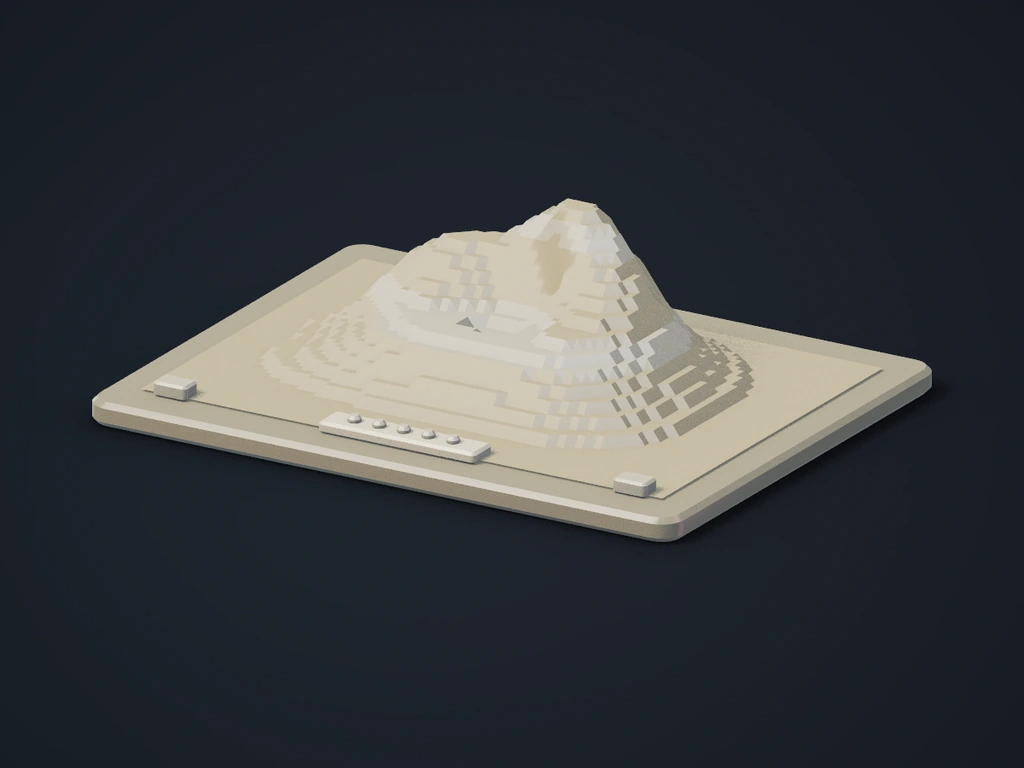
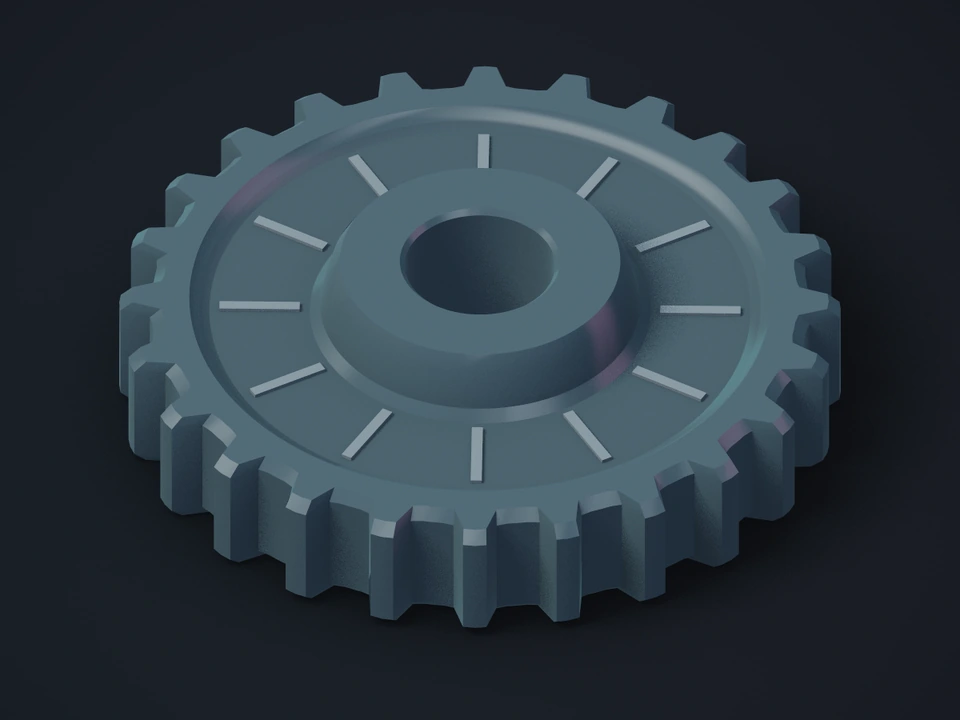
Example project
A hand-held object for a small-group lesson
Choose one feature visitors can discover by touch, such as the teeth, rim and hub on a gear study. Prepare a second object only when it gives learners a clear comparison.
Check it in the real space
Pass a paper outline around the teaching table and ask where a label would get in the way. Plan a repeatable place to return each piece after the session.
A stationary Gear Study works as a ready-made mechanical teaching object. A specific artifact calls for an appropriate source file and a custom reproduction brief.
Explore the Gear StudyWhere are you starting?
Start with this decision
Choose one feature you want someone to discover by touch. Think about how many people will handle the object at once and where it will be stored between sessions.
Try the project toolWhat you can make
- Touchable exhibit companions
- Enlarged object details and sections
- Classroom comparison sets
- Traveling education kits
Read the studio’s approach
A visitor can spend a minute tracing the spiral on a shell held in one hand. Build a teaching object around what that minute should reveal. ForgeLab helps museums, libraries and educators turn permission-cleared meshes into handling replicas, enlarged details and labeled classroom sets. Share the object record, the learning objective and the people who will help evaluate the first print.
Tactile teaching-set planner
Plan concurrent handling sets and scale a feature that learners need to distinguish by touch.
- Sets in use
- 7
- Pieces including spares
- 24
- Feature scale
- 200%
Test a sample with the intended learners. Record the scan’s license, attribution and any reconstructed detail before reproducing a collection object.
From an open-access scan to a tactile teaching model
Questions before you start
Can we reproduce a model from a museum website?
Open the record for the exact downloadable 3D asset and read its rights statement. Keep the institution, object identifier, file version and source URL in your brief. A model marked CC0 can generally be copied, adapted and shared under that dedication. Other assets may require permission. Check any accompanying image, logo or text separately.
Which scale works for a tactile teaching replica?
Start with the feature a learner should find and the posture in which they will use it. A whole object can establish the outline, while an enlarged detail can make a closely spaced surface pattern easier to explore. Record both scales and test the trial pieces with intended users at the actual table or display height.
How do we handle a missing or damaged area in the scan?
Ask the curator or educator what is known about the area. Preserve a master copy, mark the gap on an image and record the treatment in the teaching file. A flat mounting face, a visibly identified reconstruction and an untouched opening each convey different information. Agree on the interpretation before a set is duplicated.
What can make an exhibit model more useful to a blind visitor?
Provide a repeatable starting point, an easy way to learn the model’s orientation and a description that follows the features a person encounters by touch. Involve blind and low-vision visitors in a handling trial. Their feedback on the object, its mounting and the accompanying description should guide revisions.
Can we order multiple sets for a school program?
Count how many groups will handle the object at the same time, then decide which components each group needs. Record the identifiers and revision on a tray map. For a traveling kit, include an inventory and simple repacking instructions. A labeled spare of a heavily handled detail makes a lost piece easier to replace.
Who approves the finished teaching model?
Designate someone who can approve the source and interpretation, someone who runs the program and people representing the intended users. Have them review the physical trial with its label and description. Agree with site staff on handling, cleaning, storage and the condition that warrants taking a piece out of use.
Can the object guide be offered in several formats?
Yes. Start with one approved account of the object and its modifications, then adapt it for spoken description, large print or other formats requested by your visitors. Have an appropriate reader review any Braille labeling and check it on a physical proof. Keep a common revision identifier across the formats.