
How to organize USB-C cables by what they actually do
The trouble with a USB-C drawer usually starts before anything gets tangled. The laptop display lead, phone charging cable and short SSD cable can all have similar-looking ends. Sort the cables by a job you have verified, then size the pockets around the coils you will actually put back. A tidy drawer is much more useful when its labels tell you which cable to grab.
Design my ForgeGrid cable drawer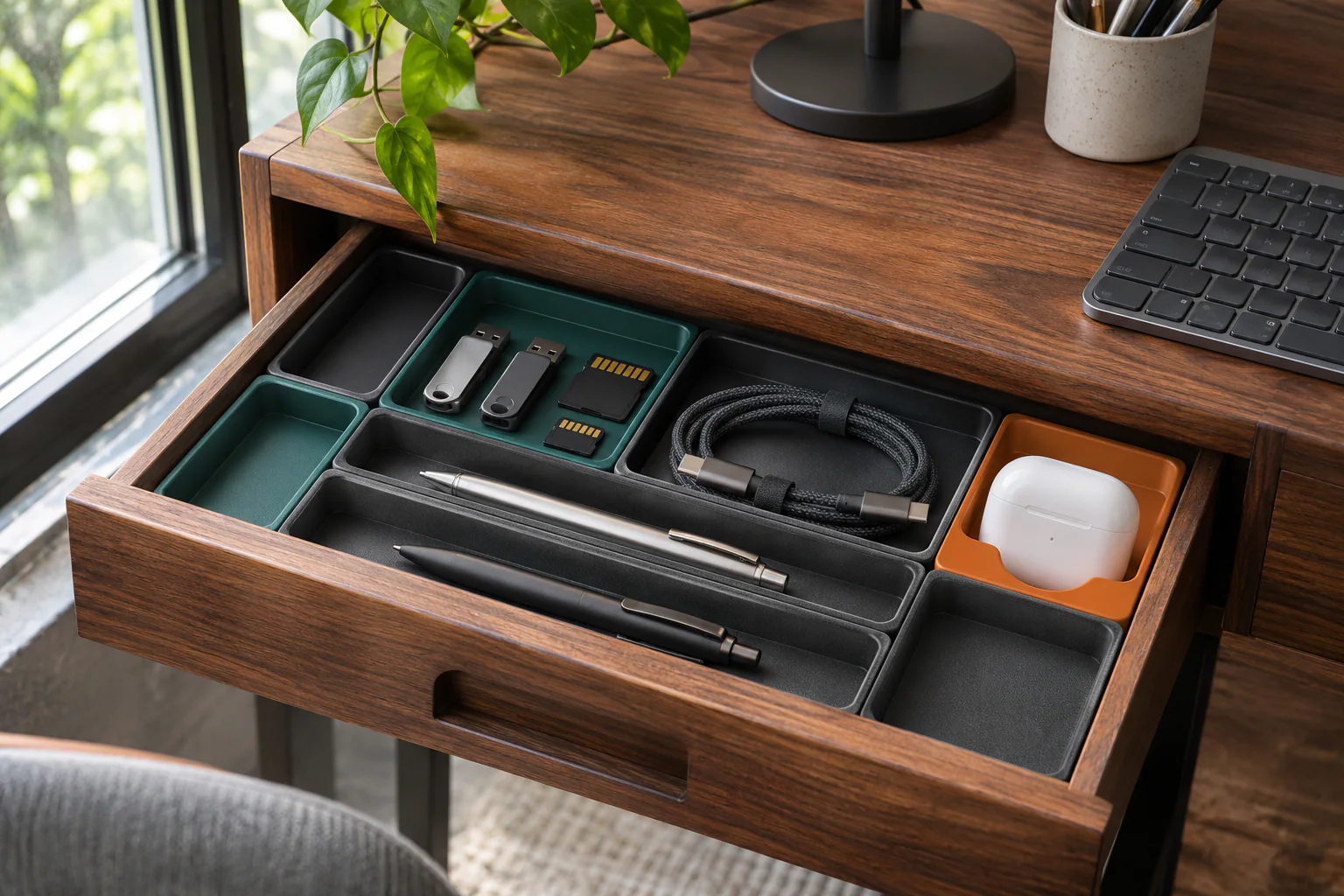
Give each known cable a job description
Choose three jobs that match your desk. For example: PHONE AT BEDSIDE, SSD TO LAPTOP and MONITOR AT DESK. Start with the cable currently working in each setup. Record its markings or model and the task it performs. If a lead carries several functions, give it the label for the job where substituting the wrong cable causes the most frustration.
The USB-IF treats USB Power Delivery as a defined capability. Connector shape alone does not establish every power, data or display capability of a cable and its connected devices. A file copying successfully demonstrates that particular transfer worked. It does not establish a maximum speed. Use manufacturer ratings for numbers you put on a label.
Put a readable label near the end you pull first
A removable tie with a short label lets the same identification travel with the lead. Give a second number to identical-looking cables that go to different kits: “SSD 1” travels with the camera bag, “SSD 2” stays in the desk. Repeat that code on the bin so returning the cable takes one glance.
Use a fourth pocket marked TO IDENTIFY for loose leads of uncertain origin. Set an actual limit on this pocket, such as three cables. When it fills, check the cables against the equipment you own before adding more bins. A cable showing visible damage belongs out of service.
Size by the relaxed coil, including the connector
Coil each lead the way it naturally falls in your hand. Place it on paper alongside both plug housings. A thick display cable can form a larger coil than a much longer soft phone cable. Measure the outside width, length and highest overlapping section, allowing room to lift the coil by the tie. Avoid squeezing the plug necks to make a smaller sketch.
Imagine a relaxed coil 85 mm across with one long plug extending 22 mm past its edge. That combination occupies about 107 mm along the plug axis. Rotating the plug into the center might shorten the footprint if the bend stays gentle. Try the position with the actual cable before committing it to the layout.
Design for returning cables one-handed
Place daily-use leads across the front. Give a stiff coil a wider bay to itself, and put small adapters in a shallow neighboring cell where they stay visible. Start the ForgeGrid desk planner with the drawer dimensions, arrange cells around the largest coil, and then fill the remaining spaces. One well-sized open bay can be more practical than six narrow lanes you have to wind every cable to fit.
Questions & answers
Should I label a cable by watts, speed or device?
Use the verified device or task first. Add wattage or rated bandwidth from the manufacturer when that number distinguishes two similar leads. Identify the cable at both its working end and its storage location.
How do I mark a cable that both charges and transfers files?
A short combined label such as PHONE + DATA works if you have checked that combination. Keep a separate label for a fast storage cable when speed matters to your workflow.
Where do adapters and short dongles belong?
Put them in a shallow cell adjacent to the cables they work with. Size it with a finger in the pocket as well as the adapter; a tiny part at the bottom of a deep bin is difficult to retrieve.
Do I need a molded channel for every cable?
A shared bay suits several flexible leads with clearly labeled ties. A dedicated pocket works better for a bulky hub, a delicate connector or a specific lead that you repeatedly borrow by mistake.