
One group photo, four best-friend gifts
Before making four identical ornaments, ask what each person sees when they look at the picture. One remembers the friend who pulled her into the frame. Another remembers the ridiculous hats. Four gifts can share a photograph and still tell four different stories. Decide what each crop must keep before you enlarge anything.
Make a photo gift for each friend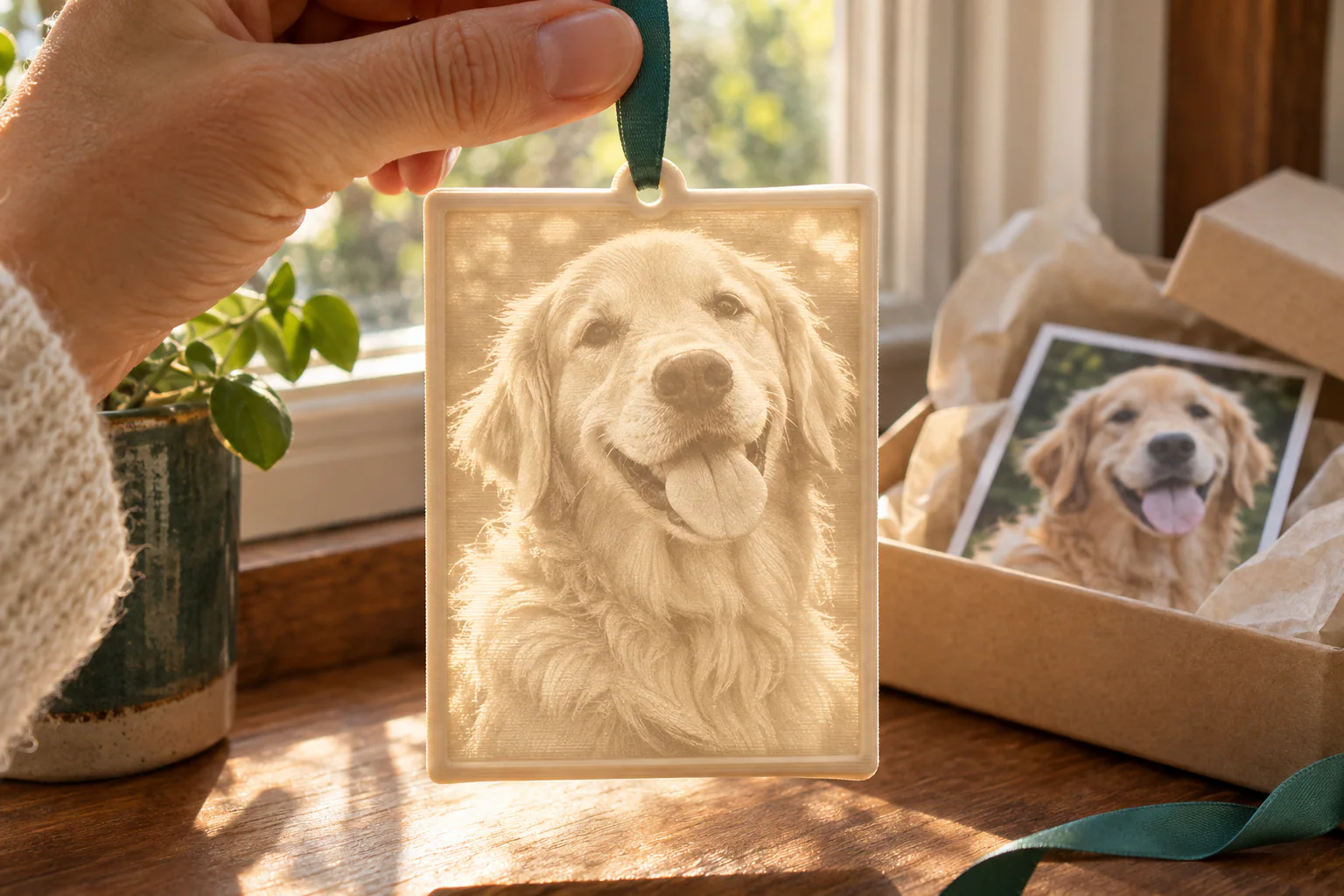
Start with the unedited group shot
Get the original file from the person who took the photo. The version in a group chat may have been resized more than once. Find all four faces in the original and look at the people on the ends first. A crop can shift toward an edge, but it cannot give you the hair or shoulder outside the photograph. If one end already feels tight, leave the frame wider for that friend.
Make a quick sketch on paper. Label the friends A, B, C and D in their left-to-right order. Under each letter, write one thing you would hate to lose, such as a handshake, a birthday crown, two people leaning together or the venue sign.
Try four crops with a shared visual thread
For A, try a portrait of A and the crown. For B, a square containing the handshake with A may tell the better story. Center C and D together in a third crop if they are leaning in. For D, try the whole row with the sign above their heads. Each gift can show more than one friend. Give all four the same outer width if you want them to look like a set when they hang together.
A gap between the two middle friends often wastes more space than the shoulders at the edges. If the group crop feels distant, compare two overlapping pair portraits. Keep the full original as a reference so you can distinguish an intentional close-up from an accidentally clipped ear.
Check the gifts as small objects
Draw four rectangles at the proposed finished width, or print the digital crops on an ordinary sheet. Lay them out side by side. Cover the name of the file and see if you immediately know which gift belongs to whom. If a crop only works once explained, try a different expression or include more of the shared moment. Put the widest group image on the largest keepsake if the faces need the room.
Save each choice before you move the frame
Choose the source in LumiForge, set the frame shape, then adjust horizontal position and magnification. Record the recipient, width and crop settings for each version. Use separate print requests or clearly describe a coordinated set in a studio inquiry so the recipient names and crops stay paired. The builder shows the current design, making this a good moment to review each gift before starting the next.
Questions & answers
How can I make matching presents when one friend is taller than everyone else?
Use portrait framing for that friend's individual gift. For the full group, enlarge the image only after both the tallest person's head and the lowest seated face are visible. A slightly wider crop may preserve everyone's expression.
Do I have to edit four files outside the builder?
You can reposition the same original for each design. Separate edited files are handy for collages or more elaborate changes. Give them recognizable names such as crown, handshake and whole-group rather than four consecutive camera numbers.
What if someone in the background does not want to be on a gift?
Choose another picture or make a crop that excludes them before sending it. If they overlap your main subject, a different image usually gives the studio a cleaner starting point.
Will four faces fit on the smallest ornament?
It depends on their spacing in the source. First try the complete row at the desired width. If you mostly see heads and cannot read expressions at the intended viewing distance, try a wider ornament or a set of paired crops.