
How to turn an old family photograph into a backlit gift for Grandma
The best starting point might be the photograph Grandma keeps in the kitchen, even if another portrait is technically sharper. Ask her which detail she remembers: her mother's apron, the screen door behind them, the way her brother always tilted his hat. That answer tells you where to crop. Preserve a full digital copy before editing the version you want to give her.
Preview a family-photo keepsake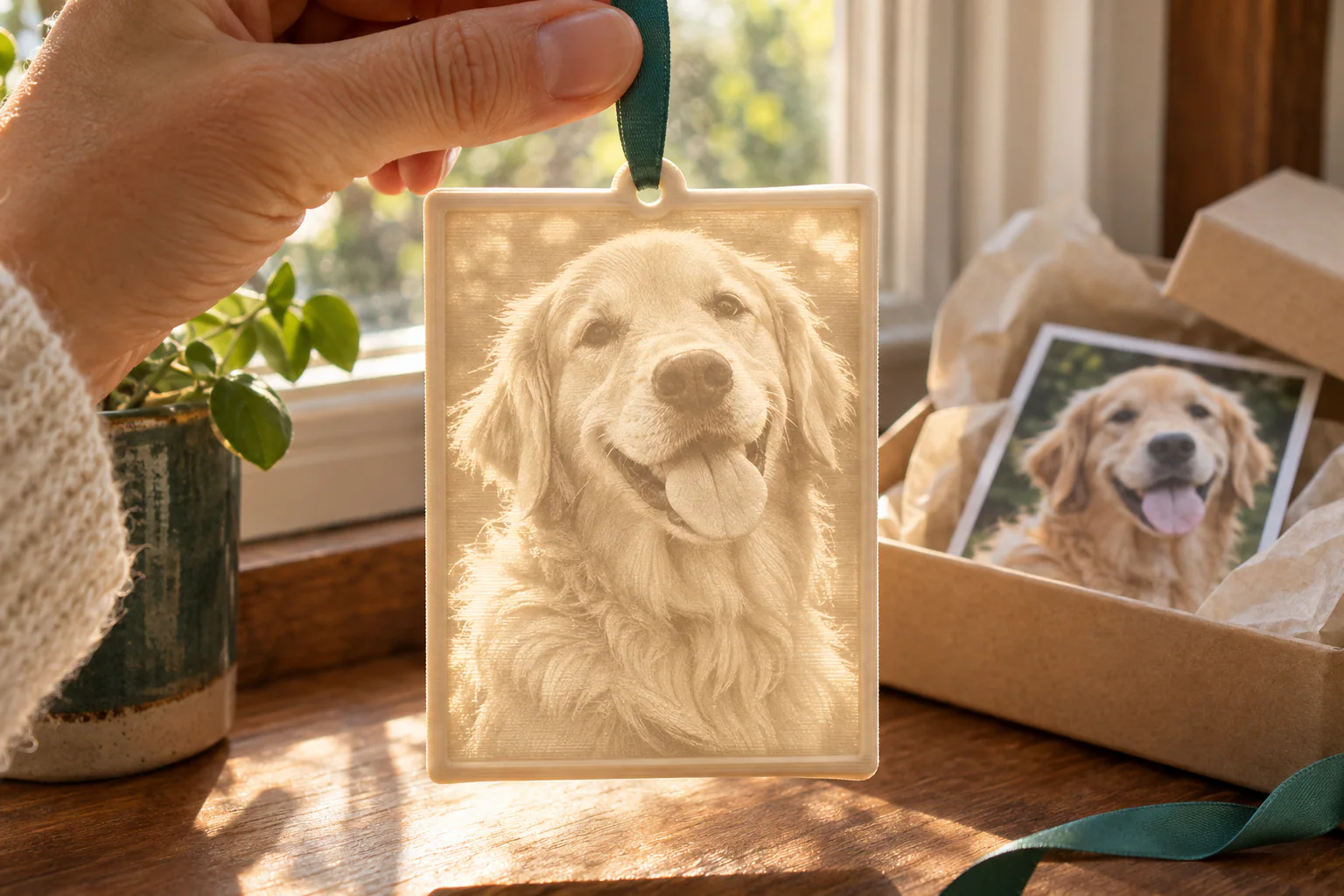
Make a copy that keeps the whole story
If the photograph is loose and flat, use a flatbed scanner or a phone held parallel above it. With the phone, place the print on an even surface near indirect light. Turn off the flash. Look at the screen from corner to corner for glare, shadows from your hands and a trapezoid-shaped border. Back up a little if a close phone lens makes the edges bend.
Save one image of the entire front, including the border. If there is writing on the back, capture that separately and name both files so they stay together. Leave a photograph that is stuck in an album in place. The National Archives' guidance on digitizing family materials is a good reference when the original is fragile.
Compare a full scene with a memory crop
In a photograph of four siblings on a porch, a wide image tells the story of the house. A close crop of two people sharing a stool tells the story of their relationship. Make a copy of each and compare them at the same small width. Pick the one that makes Grandma say a name or place without being prompted. Keep the wide digital version regardless of which design wins.
A faded image may benefit from a gentle contrast adjustment on the copy. Watch areas such as gray hair against a pale wall. If stronger contrast erases the hair or fills both eyes with solid shadow, move back toward the original. A faint but honest smile is worth keeping.
Match the display to her daily routine
A shelf near an LED lamp and a tree branch seen only from across the room call for different crops. For the shelf, the seated figures and stool may read clearly. For the branch, enlarge the faces and leave the porch railing out. Make a paper rectangle at the intended width and ask whether that much room feels natural beside the things she already keeps.
Make the gift personal all the way to the wrapping
Upload the chosen copy to LumiForge and compare the image with its virtual backlight on and off. When the framing feels right, send the print request. On a separate card, write who is in the photograph, where it was taken and the family's wording for the story. That little card makes the gift meaningful even when the light behind the portrait is off.
Questions & answers
Can I use a picture of a picture taken through glass?
You can preview it, but the room reflected in glass can become part of the relief. If the print cannot safely be removed, shift the position of the room light or use an existing digital scan before trying to edit away the reflection.
Should I remove the yellow color first?
Keep the untouched color master. The relief uses light and dark values, so what matters in the gift copy is separation around features. Compare both copies in preview and stop adjusting once the face reads clearly.
Is a studio portrait better than a candid snapshot?
Choose the photograph tied to the memory. A clear shot of someone laughing in a kitchen can say more to the recipient than a formal portrait, especially when you preserve the familiar expression or object.
What should I send for a printed ornament?
Send the chosen digital copy through the studio request with the framing and size you prefer. JPG, PNG and WebP are supported. Keep the original photograph and its full-resolution digital copy with your family.